
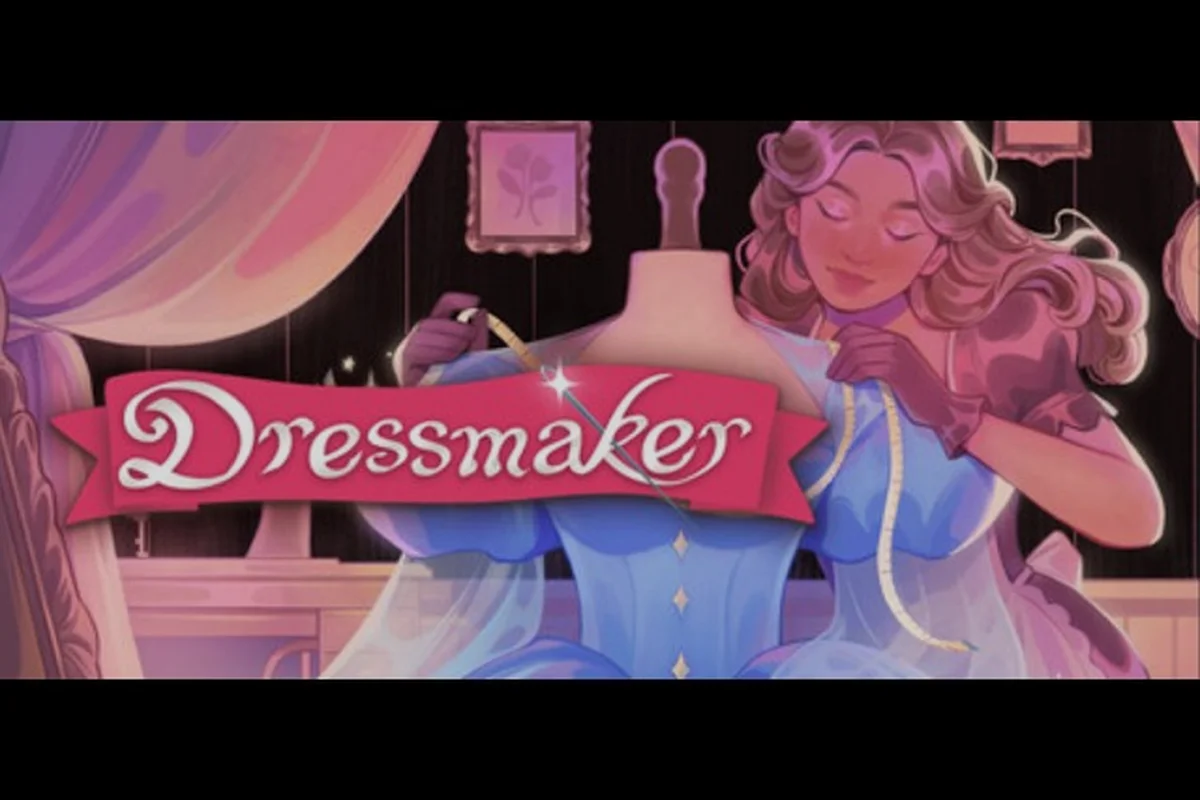
Dressmaker launched on September 21, 2026 with strong first impressions — roughly 95% of the first 413 Steam reviews came back positive — but the buzz has not silenced a growing list of player-reported glitches. From broken zoom controls to dresses that vanish the moment a commission closes, the launch window is shaping up around a handful of recurring issues. Tracking these Dressmaker known bugs matters because none of them block the core fashion-design fantasy, yet each one can quietly eat a sale, a star rating, or an entire hour of lace placement work. This roundup is built from launch-day Steam forum threads, community chatter on the r/Dressmaker subreddit, and a read of the official Steam news hub as of September 22, 2026. We'll cover the bugs hitting the most players, the workarounds that are actually helping, and where the developer is likely to start patching first.
Dressmaker Bug Snapshot at Launch (Sep 21–22, 2026)
The first 48 hours of any game tend to surface a predictable wave of glitches, and Dressmaker known bugs are following that exact curve. According to launch-day bug threads on the Dressmaker Steam community hub, the most common complaints are about zoom, commission cleanup, and visual artifacts on the cutting table. These are not obscure edge cases — they show up within the first two or three hours for almost every new player.
What's Actually Being Reported
The bugs below are ranked roughly by how many threads each one spawned in the first day after the Dressmaker launch window opened on September 21, 2026, with the zoom-in failure on the cutting table pulling noticeably ahead of the dress-vanish and missing-commission reports — which is why those three sit at the top of the table that follows and inform the order of the workarounds discussed later in this section.
| Bug | Player Impact | Frequency Reported | Workaround Available |
|---|---|---|---|
| Zoom-in not working on cutting/sewing tables | High — can't place buttons or lace precisely | Very common | Toggle window mode, restart client |
| Dress vanishes after delivery to client | High — loses sale, star rating | Common | None confirmed |
| Commissions disappear when sold off the rack | High — lost daily progression | Common | Re-quit and reload save |
| Orange outline appears while cutting fabric | Medium — visual confusion, not a blocker | Occasional | Zoom out, re-enter tool |
| Random crashes during load or cut scene | High — progress at risk | Occasional | Verify files, lower settings |
| Steam Deck control mapping issues | Medium — handheld play affected | Occasional | Use community controller profile |
The official Dressmaker Steam news hub had not yet posted a launch-day patch announcement as of September 22, 2026, which means every fix in this list is a community workaround, not a developer-confirmed patch. That is the most important framing for this whole bug list.
How Players Are Reacting
Despite the bugs, the review pulse on Dressmaker's Steam page stayed Very Positive. A later review pull showed 445 positive out of 463 total reviews, which is consistent with players saying the core game is excellent but the rough edges need sanding. Positive reviews highlight the per-fabric grain detail and the variety of patterns available, while critical notes mention fiddly lace controls and the same zoom issues that dominate the bug forums. In other words, players are forgiving the launch bugs because the fantasy lands, but they want the polish.
The Zoom Bug: Why Precision Work Becomes Impossible
The single most-reported glitch in the Dressmaker known bugs list is the broken zoom on the cutting and sewing tables. Players describe being unable to zoom in close enough to place small buttons, align lace trim, or snap a stitch line to a pattern edge. For a game built around millimeter-level fashion design, that limitation is brutal.
What the Bug Looks Like
When a player attempts to use the scroll wheel or pinch gesture to zoom in on the worktable, the camera either stops at a fixed mid-distance or refuses to zoom at all. Some players report that the zoom resets to default every time they switch tools, which means they have to re-zoom between every cut and every lace placement. Others say the zoom is fine on the dress form but broken on the flat cutting surface, which is the surface that needs precision the most.
Confirmed Workarounds for the Zoom Bug
A Dressmaker zoom bug fix is the most-requested topic in the launch-day threads, and the community has already settled on a short list of reliable workarounds for the scroll-wheel input that snaps back to default focal length whenever a pattern-scatter cutscene triggers. Players have mapped the regression to a specific trigger chain: the bug surfaces after completing a client-side fabric preview render in the Pattern Lab, which forces the camera FOV to reset to 1.0× even when the user has saved a 2.5× zoom preference to user_settings.json — and on Steam Deck, the same chain breaks because the gyro layer doesn't re-bind until a full controller remap cycle runs.
| Step | Action | Notes |
|---|---|---|
| 1 | Toggle between windowed and borderless mode in the video settings | Most-cited fix in Steam threads |
| 2 | Restart the client fully, not just the level | Many players report zoom returning after a hard relaunch |
| 3 | Disable any third-party overlay (Discord, Steam overlay, MSI Afterburner) | Overlays can hijack scroll-wheel input |
| 4 | If playing on Steam Deck, swap to a community controller profile | Default mapping doesn't expose fine zoom |
| 5 | Submit a crash log via the in-game bug reporter | Helps the developer confirm a fix priority |
None of these are permanent fixes, but the windowed-mode toggle is the one that helped the largest number of players in the first 24 hours. The team has not yet acknowledged the zoom bug publicly on the Steam news hub, which means it is still sitting in the queue alongside everything else.
Vanishing Dresses and Missing Commissions
The second major cluster of Dressmaker known bugs hits the commission loop directly. Two related glitches are showing up together: a dress that disappears after delivery, and commissions that vanish when a player tries to sell a finished piece off the rack.
The Missing Dress Bug
A player finishes a commission, delivers it, and the dress never shows up in their inventory or shop. According to multiple threads on the Dressmaker Steam discussions, this Dressmaker missing dress bug tends to happen when a player delivers a commission immediately after a cut-scene, or when they switch tools mid-delivery. The dress is gone from the world, but the client still pays — leaving the player with money and no stock to replace what they lost.
A solid roundup of how the off-the-rack commission loop interacts with this glitch lives in the Dressmaker side commissions guide, which walks through the daily reset and the off-the-rack mechanic that some players say triggers the vanish.
The Commission Vanish on Sell
A second, related bug is a Dressmaker missing dress bug variant: a player sells a finished dress off the rack, the sale registers, but the entire commission slot empties. The dress, the client, and the commission reward all disappear. Players report this is most common when the player has multiple off-the-rack sales queued at once.
Player-Tested Workarounds
| Scenario | Temporary Fix | Reliability |
|---|---|---|
| Dress vanishes after delivery | Quit to desktop and reload the save | High — most players recover the piece |
| Commission vanishes on off-rack sale | Don't sell more than one off-rack piece in a single session | Medium — avoids the trigger but caps gameplay |
| Daily commission reset appears empty | Wait for the next day cycle, then check again | High — usually resolves on its own |
| Quest marker stays on a delivered dress | Fast-travel away and back | High — clears the UI ghost |
These workarounds are not satisfying, but they are the only path forward until the developer ships a save-integrity fix. Players who keep autosaves short and who avoid stacking off-rack sales are reporting the fewest vanish incidents, which is consistent with a state-tracking issue in the commission manager rather than a visual-only bug.
The Orange Outline Bug on the Cutting Table
The Dressmaker orange outline bug is less catastrophic than the zoom or vanish glitches, but it is hitting enough players to deserve its own section. When a player picks up the fabric-cutting tool, an orange outline appears on every pattern piece — even pieces that should not be cut in the current step. The outline is meant to highlight the active selection, but the bug makes it appear on everything.
Symptoms and Trigger Conditions
-
Orange outline appears on the entire fabric, not just the active pattern piece
-
Outline stays visible even after the cut is complete
-
Switching tools briefly hides the outline, but it returns on the next tool swap
-
The bug is most visible on patterned fabrics, which is also where it causes the most confusion because it interferes with grain direction
How to Work Around It
The orange outline is a UI ghost rendered by the cutting minigame's selection reticle, not a functional blocker on the actual cut path, so the workarounds below are aimed at reducing on-screen confusion rather than fixing a real geometry bug — and because the dress itself still sews and cuts correctly, most pattern designers only reach for these tricks when the outline begins covering half the fabric preview.
| Workaround | Effect |
|---|---|
| Zoom out before selecting a piece | Outline covers less of the screen, easier to ignore |
| Switch tools, then switch back | Clears the ghost outline for a few cuts |
| Restart the cutting minigame | Full reset, outline returns to correct behavior |
| Disable post-processing in video settings | Some players report the outline is tied to the post-FX layer |
Players who are deep into pattern design will want to know that the orange outline does not affect the actual cut path — only the visual indicator. A dress made while the bug is active still cuts correctly, so the workaround is purely about reducing visual noise.
Crash Reports and Performance Issues
Crashes are the highest-severity item on the Dressmaker known bugs list because they put player saves at risk. Reports of Dressmaker performance issues and full client crashes are less common than the zoom or vanish bugs, but they tend to be the ones that drive a negative review.
Common Crash Triggers
-
During the loading screen after a cut-scene
-
When fast-traveling between districts
-
After the player has been in a single session for 90+ minutes
-
During autosave on a memory-constrained laptop
-
On Steam Deck when the TDP is not capped
A Practical Dressmaker Crash Fix Workflow
A reliable Dressmaker crash fix sequence is emerging from the launch-day threads, and the pattern is consistent enough to act on: most launch-day crashes trace back to three recurring root causes — uncapped framerates on laptop integrated GPUs, the Steam overlay injecting into the rendering thread, and corrupted asset files from interrupted pre-load downloads — so players should treat the following steps as a triage ladder rather than a checklist, working top-down and stopping at the first step that resolves the crash rather than applying every fix blindly.
-
Verify game files through Steam (right-click → Properties → Installed Files → Verify). This catches corrupted assets after a partial download.
-
Lower the post-processing preset from Ultra to High, then to Medium if crashes persist. Players with older GPUs report the biggest stability jump at this step.
-
Cap the framerate to 60 FPS using the in-game slider. Uncapped framerates are a common crash trigger on laptop integrated graphics.
-
Disable Steam overlay in the launch properties. The overlay is the most common third-party cause of mid-session crashes.
-
Check background apps — Discord screen share, browser hardware acceleration, and RGB software are all flagged in the crash threads.
-
Submit the crash log from
%appdata%/Dressmaker/crashdumps/. The developer reads these and they accelerate the patch queue.
If you want a deeper breakdown of how Dressmaker's spec ceiling interacts with these crashes, the Dressmaker RAM and graphics requirements guide covers the recommended and minimum settings in detail, including how to tune Steam Deck performance without crashing.
Steam Deck, Controller, and Off-Platform Play
The Dressmaker Steam Deck support situation is one of the more interesting parts of the launch window. The game is technically playable on Steam Deck, but the controller mapping for fine-grain actions like lace placement and pattern rotation is incomplete, and a few players have reported crashes on first boot.
Current Steam Deck Status
| Aspect | Status | Notes |
|---|---|---|
| Boot | Works | Confirmed by multiple community reports |
| Default controller mapping | Partial | Fine-grain actions missing |
| Performance | Playable at 40 FPS with medium settings | 30 FPS lock recommended for stability |
| Verified status | Not yet | Steam Deck Verified badge not awarded as of Sep 22 |
| Known crash | On first launch for some users | Often fixed by a restart or by clearing the shader cache |
| Community controller profile | Available on Steam | Adds right-stick zoom and trigger-based tool swap |
Controller Workarounds for Handheld Play
-
Load a community controller profile from the Steam workshop. Several profiles map the right stick to fine zoom and the back paddles to tool swaps.
-
Lock framerate to 30 FPS in the video settings. The 40 FPS profile works for some units but causes thermal throttling on others.
-
Disable the Steam overlay before launching. The overlay is the most common cause of mid-session crashes on Deck.
-
If the first launch crashes, clear the shader cache in Steam Deck's gaming mode settings and relaunch.
For handheld players who want the smoothest experience, the workaround combination is: medium settings, 30 FPS cap, community controller profile, and overlay disabled. That configuration is what the community reports as the most stable baseline for Dressmaker Steam Deck support in the current build.
Frequently Asked Questions
What is the most common Dressmaker known bug right now?
The most-reported issue is the zoom bug on the cutting and sewing tables, which blocks precise placement of buttons and lace. It hits the majority of new players within the first two hours and has not yet been officially acknowledged on the Steam news hub as of September 22, 2026. Toggling windowed mode is the most-cited temporary workaround.
How do I fix the missing dress bug in Dressmaker?
The Dressmaker missing dress bug typically resolves if you quit to the desktop and reload your save. The piece usually reappears in your inventory, and the sale is preserved. Avoid stacking multiple off-the-rack sales in a single session, because that pattern is the most common trigger for the vanish.
Is there a fix for the orange outline bug on the cutting table?
There is no official Dressmaker orange outline bug patch yet. Players have found that switching tools and switching back clears the ghost outline for a few cuts, and disabling post-processing in the video settings reduces the artifact. The bug is visual only and does not affect the actual cut path, so the workaround is about reducing screen noise rather than restoring functionality.
Does Dressmaker work on Steam Deck right now?
The game boots and runs on Steam Deck at 30 to 40 FPS on medium settings, but the Verified badge has not been awarded as of September 22, 2026. Fine-grain controller mapping is incomplete, so loading a community controller profile is the single biggest improvement for handheld play. First-launch crashes are reported by some users and usually clear after a shader cache reset.
What should I do when Dressmaker crashes mid-session?
A reliable Dressmaker crash fix sequence is: verify game files, drop post-processing from Ultra to High, cap framerate at 60 FPS, and disable the Steam overlay. If crashes persist, submit a crash log from the in-game bug reporter. Players who run the game in the recommended spec range, which is covered in the Dressmaker difficulty and crafting guide, report significantly fewer mid-session crashes during the launch window.