
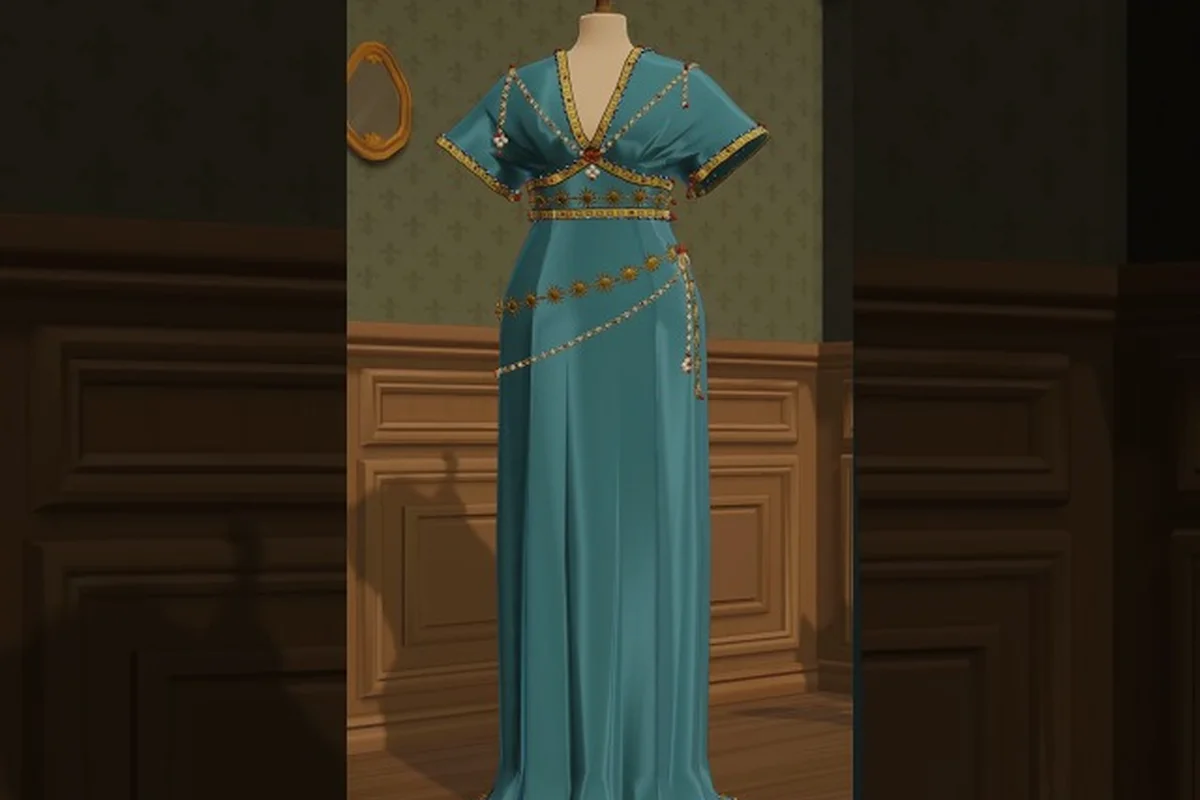
Side commissions are the lifeblood of a growing atelier, and most newcomers burn through their first week without realizing how the request cycle, the daily commission reset, and the infamous vanish bug all interact. This guide breaks down how Dressmaker's commission system actually works in practice, how to stop orders from disappearing off the rack, and what to do when a dress quest slips past you entirely. The official Dressmaker Steam page describes a loop where townsfolk commission outfits for social-calendar occasions, so understanding the request side of that loop is what separates a steady coin flow from a stalled shop.
How Dressmaker's Commission System Works
Every commission in Dressmaker is a contract between the player and a named townsfolk who wants a specific look for a specific occasion on their social calendar. The game queues these requests as side commissions that live in a separate board from the main story dress quest, and they refresh on a daily cadence rather than per chapter. According to the official store copy, customers commission outfits for occasions on their social calendar — that calendar is the clock that drives commission reset timing.
A typical side commission has four data points attached to it: the customer's name, the occasion (a named event like a village dance or a birthday), a fabric or silhouette hint, and a deadline measured in in-game days. Players pick up the contract from the commission board, draft a sketch in the sketchbook using available fabric samples, sew the panels on the machine, and deliver the dress before the deadline to earn both coin and reputation. Miss the deadline, and the commission fails — but it does not always vanish cleanly, which is where the well-known vanish bug starts costing players real money.
| Commission Element | Source | Player-Facing Effect |
|---|---|---|
| Occasion | Social calendar of a named NPC | Drives the deadline timer and occasion-specific bonus |
| Fabric hint | Listed in the request card | Suggests a fabric family (cotton, linen, wool, silk, velvet) |
| Deadline | Calendar day count | Failing it drops reputation and may trigger a ghost entry |
| Reward | Coin + reputation | Scales with fabric quality and how well the dress matches the hint |
The board is intentionally small at the start of a save, holding two to three active slots depending on shop reputation. As reputation climbs, the cap rises, which is why players who learn to clear commissions quickly end up earning disproportionately more than players who let requests pile up untouched.
The Three Commission Tiers
Every request that lands on the board falls into one of three informal tiers, and recognizing them early is the single biggest factor in shaping a daily routine. Low-stakes requests tend to be simple cotton or linen pieces with short deadlines, mid-tier requests introduce wool and a one-trim decoration, and high-stakes requests often demand silk or velvet with multi-day deadlines and stricter silhouette matching.
| Tier | Typical Fabric | Deadline Length | Reputation Payoff | Risk If Missed |
|---|---|---|---|---|
| Low | Cotton / linen | 1-2 in-game days | Small | Reputation dip, low coin loss |
| Mid | Wool | 2-3 in-game days | Moderate | Customer may switch to off-the-rack alternative |
| High | Silk / velvet | 3-5 in-game days | Large | Vanish bug trigger risk, reputation hit |
The Free Lives press kit confirms the game spans the full creative range from simple summer dresses up to extravagant royal gowns, and that range maps almost one-to-one onto these three commission tiers. Players who want to learn how to manage the request board well should start by clearing low-tier slots fast and reserving silk work for high-tier contracts that actually reward the fabric cost.
Daily Commission Reset and Timing
The daily commission reset in Dressmaker is not a hard server-side timer — it is tied to the in-game day cycle, which advances when the player sleeps at the end of a shift. That distinction matters, because players who stay up late in-game and sleep at irregular intervals can accidentally stagger their refresh window in ways that feel like a bug. Community testing on the Steam discussions board suggests the refresh is anchored to the moment the player first loads a save on a new in-game day, not to wall-clock time, so changing system clocks does not influence the reset.
When the reset fires, the board performs three things in sequence: it removes any expired requests, it rolls new requests based on the player's current reputation tier, and it refreshes the off-the-rack inventory pool. A player who has not opened the game in three real-world days will still only see one batch of new requests when they return, because each missed in-game day is treated as a single refresh event rather than three stacked refreshes.
| Reset Behavior | Trigger | Player Action Required |
|---|---|---|
| New request batch | First save load of an in-game day | Check the board before starting any sewing work |
| Expired requests purged | Same moment as refresh | Read the board for ghost entries if a request is missing |
| Off-the-rack pool refresh | Same moment as refresh | Re-price rack items if you rely on off-the-rack sales |
How to Read the Reset Window
Players who want to optimize around the reset should build a habit of checking the board the moment their save loads, because the refresh is easy to miss in the first few minutes. Some community members report that they lost track of a request because they walked past the board and into the sewing room before the daily refresh had visually resolved, only to find an expired entry had already been swept. The fix is simple: pause at the board on every load, and read what is there before the next day's work begins.
Players who actively miss a refresh by sleeping through it or by closing the game before the day advances will not get a second batch that same in-game day, which is one of the most common causes of the missed dress quest complaints seen in the launch-day Steam discussions.
The Vanish Bug and Off-the-Rack Interactions
The most-reported issue tied to side commissions is what the community calls the vanish bug, where a request that is still on the board disappears without a completion event or a failure event. After tracking player reports on the Steam discussion board, the pattern looks like this: a player accepts a commission, drafts a dress for it, and then delivers that dress to the off-the-rack rack in the shop window instead of handing it back to the customer. The customer never receives the dress, the commission silently ages out, and the slot vanishes when the next reset fires.
This is not a save-corrupting bug — it is a delivery-routing bug that the community has narrowed down to off-the-rack interactions with active commission dresses. The free-lives press kit confirms the game has both a commission loop and a shop-window off-the-rack loop, and the issue is that the two loops share a dress asset in some edge cases. According to community testing, the safe workflow is to keep active commission dresses in the player's personal inventory until the hand-off cutscene plays, and only then move a finished dress to the rack if the player wants to also display it.
| Scenario | Dress Location at Delivery | Outcome |
|---|---|---|
| Commission dress in personal inventory | Customer NPC | Normal completion, reputation gain |
| Commission dress on off-the-rack rack | Shop window | Vanish bug, silent expiration |
| Commission dress on mannequin | Back room display | Vanish bug variant, dress locked |
| Commission dress already delivered | (n/a) | Cannot be re-handed, ghost request remains |
Players who want a full picture of the off-the-rack mechanics can read the breakdown in the Dressmaker off-the-rack commissions section of the shop guide, which covers pricing, display windows, and how the rack interacts with active requests. That section also explains how display pricing shapes walk-in traffic and how long a dress stays in the window before the slot rotates to a newer design.
The Off-the-Rack Trap
The off-the-rack trap is the single biggest reason a side commission silently disappears. The shop window in Dressmaker is genuinely tempting to fill, because displayed dresses attract walk-in customers who pay coin without a deadline, and the off-the-rack loop is a strong parallel income stream — but the moment a player drops a commissioned dress onto the rack, the customer can no longer claim it through the normal hand-off cutscene. The commission then sits in a ghost state until the next reset wipes it.
The community-recommended fix is to treat personal inventory and the off-the-rack rack as two completely separate dress pools. Sew a dress for a commission, keep it in the inventory slot, walk to the customer, and trigger the hand-off. Only after the success pop-up clears should the player even consider moving the same dress to the rack for display — and even then, it is safer to sew a second copy for the rack if the fabric budget allows.
How to Get More Commissions Each Day
Players often ask how to pull in more orders each day, and the honest answer is that the commission cap is reputation-gated rather than time-gated. There is no trick to spawn extra requests within a single in-game day, but there are several mechanical levers that increase the daily ceiling over the course of a week. The most effective lever is reputation, because every reputation threshold raises the board's active slot cap by one, and some thresholds also unlock higher-tier requests that pay more per commission.
A second lever is shop presentation. Players who fill the shop window with attractive off-the-rack dresses — built from fabrics that match what townsfolk are currently requesting — report a small but steady reputation trickle from walk-ins, which in turn pushes the player toward the next threshold faster. The third lever is delivery speed, because customers who receive a commission early sometimes leave a follow-up request on the next reset, effectively doubling the commission throughput for that in-game day.
| Lever | Effect on Daily Commission Count | Time to Payoff |
|---|---|---|
| Reputation gain | Raises the active slot cap | 2-3 in-game days per threshold |
| Off-the-rack display | Indirect reputation from walk-ins | Same day, modest gains |
| Fast delivery | Triggers follow-up requests next reset | 1 in-game day lag |
| Customer letter / gift | Boosts single-customer satisfaction | Immediate, one-shot |
The reputation side of this loop is covered in detail in the Dressmaker game basics guide, which walks through how to build coin and reputation in the first in-game week, including the early thresholds that raise the commission board's slot cap and the daily habits that keep the meter climbing between resets.
Building a Commission-Friendly Routine
A reliable daily routine is what separates a player who clears the board from a player who only ever sees two requests a day. The pattern that the Steam community has converged on is: load the save, read the board, sort requests by deadline, sew the shortest-deadline commission first using whatever fabric the request hints at, deliver the dress in person, and only then work on shop-window or story-dress work. This routine makes vanish-bug exposure minimal because the commission dress is delivered before it has any chance to land on the rack.
Players who follow this routine also tend to clear more commissions per reset, because they finish work in time for the next-day follow-up requests to actually appear. The community has noted that failing a commission and triggering the missed dress quest state tends to lock that customer out of follow-ups for a full in-game week, which is a much heavier cost than the small reputation dip the failure itself applies.
Recovering From a Missed Dress Quest
A missed dress quest happens when a commission deadline expires before the player delivers the dress, and the recovery path depends on which of three states the request landed in. The cleanest state is a normal failure: the customer walks away, reputation drops by a small amount, and the slot frees up immediately for the next reset. The messier state is a ghost entry, where the request lingers on the board with no NPC to hand it to, because the customer has been despawned or shifted to a different location. The worst state is a vanish-bug ghost, where the request has been silently dropped from the board but the player's internal quest log still flags it as active.
| Missed State | Visible to Player | Recovery Path |
|---|---|---|
| Normal failure | Customer walks away, board updates | Wait for next reset, reputation rebuilds naturally |
| Ghost entry | Request stays on board, NPC missing | Sleep through a full in-game day, ghost purges on reset |
| Vanish-bug ghost | Request gone from board, quest log still flags it | Deliver a new dress matching the original hint to refresh state |
Players who hit the vanish-bug ghost state often report feeling stuck, because the dress slot in the quest log will not clear even after the next reset. The community workaround is to sew a fresh dress that matches the original hint as closely as possible, walk it to the customer's last known location, and use the context interaction to refresh the customer's state. This does not always restore the original commission reward, but it does clear the ghost flag and lets the player move on.
Preventing Missed Quests Before They Happen
The simplest prevention is the same delivery-fast routine described above, but a second layer of defense is fabric management. Players who run out of the requested fabric mid-sew often abandon the commission entirely, which is a fast track to a missed deadline. Keeping at least one spare panel of each fabric family in storage — cotton, linen, wool, silk, velvet — removes that failure mode almost completely. The Dressmaker fabric recommendations guide covers how to budget fabric across the commission queue so that the high-tier requests never starve the low-tier ones of material.
A third layer of defense is the off-the-rack discipline rule: never put a commissioned dress on the rack, and never put a rack dress into a commission slot. The two pools are separate on purpose, and the vanish bug is the visible cost of mixing them.
Frequently Asked Questions
What time does the daily commission reset happen in Dressmaker?
The reset triggers the first time you load a save on a new in-game day, which is usually right after you wake up from sleeping. It is not tied to wall-clock time, so changing your system clock will not shift the reset window.
Why did my commission vanish without a completion or failure event?
That is the vanish bug, and it almost always traces back to a commissioned dress landing on the off-the-rack rack or on a back-room mannequin. Keep commission dresses in your personal inventory until the hand-off cutscene plays, and the bug stops firing.
Can I recover reputation after missing a dress quest?
Yes, but recovery is faster for a normal failure than for a vanish-bug ghost. A normal failure clears on the next reset, while a vanish-bug ghost needs a matching dress delivered to the customer's last known location to refresh their state.
How do I get more commissions per in-game day?
Raise your shop reputation to lift the board's active slot cap, deliver commissions early to trigger follow-up requests, and keep the shop window stocked so walk-in reputation gains push you toward the next threshold faster. Players who run all three levers together typically unlock an extra active slot within two in-game days, which compounds into more requests on every later board refresh.
Is it safe to put finished commission dresses on the off-the-rack rack?
No. Once a commission dress touches the rack, the customer can no longer claim it through the normal hand-off, and the commission silently expires until the next daily reset wipes the request from the board. Sew a separate copy for the rack if you want to display the same design without risking the commission payout or the reputation gain.